
 ENGLISH
 ARABIC
 FRENCH
 SPANISH
A Model-by-Zone Matrix for South American Office Projects
South American office furniture distributors often coordinate products for several rooms, departments and delivery stages inside one project. A model-by-zone review matrix gives the distributor, importer, wholesaler, fit-out contractor and project buyer one shared record before a supplier quotation is approved. Instead of using broad labels such as executive desk or storage, the matrix connects every project zone to an exact model, public product page, real image, visible components and current review state.
BG Office Furniture is a Foshan, China office furniture manufacturer focused on board-style executive desks, manager desks, office workstations, coffee tables, storage walls, reception furniture, meeting tables and partitions. The ten 2026 references below show how a buyer can compare real product families without treating an image as a technical or commercial promise. Any production, logistics, customization or project term remains subject to BG's written confirmation for the selected model and scope.
1. Build the Matrix Around Project Zones
Start with the floor plan or room list. Give each executive office, manager room, open-plan team area, reception support area and storage wall a stable zone code. Add columns for exact model, public URL, product role, visible pieces, preferred finish reference, selected quantity, review state, open question, owner and next review date. The zone code should stay unchanged when a proposed model is replaced so the project team can see the decision history.
Use four review states: selected, alternative, clarification required and excluded. Do not merge them into one note. If a family image contains a desk, low table and cabinet, identify those visible roles separately. If the project needs only one part, mark that scope for supplier review. This keeps the distributor's room schedule aligned with the importer document and prevents a complete family from being compared with a single item.
2. Review Dark Executive Families as Complete Room Options
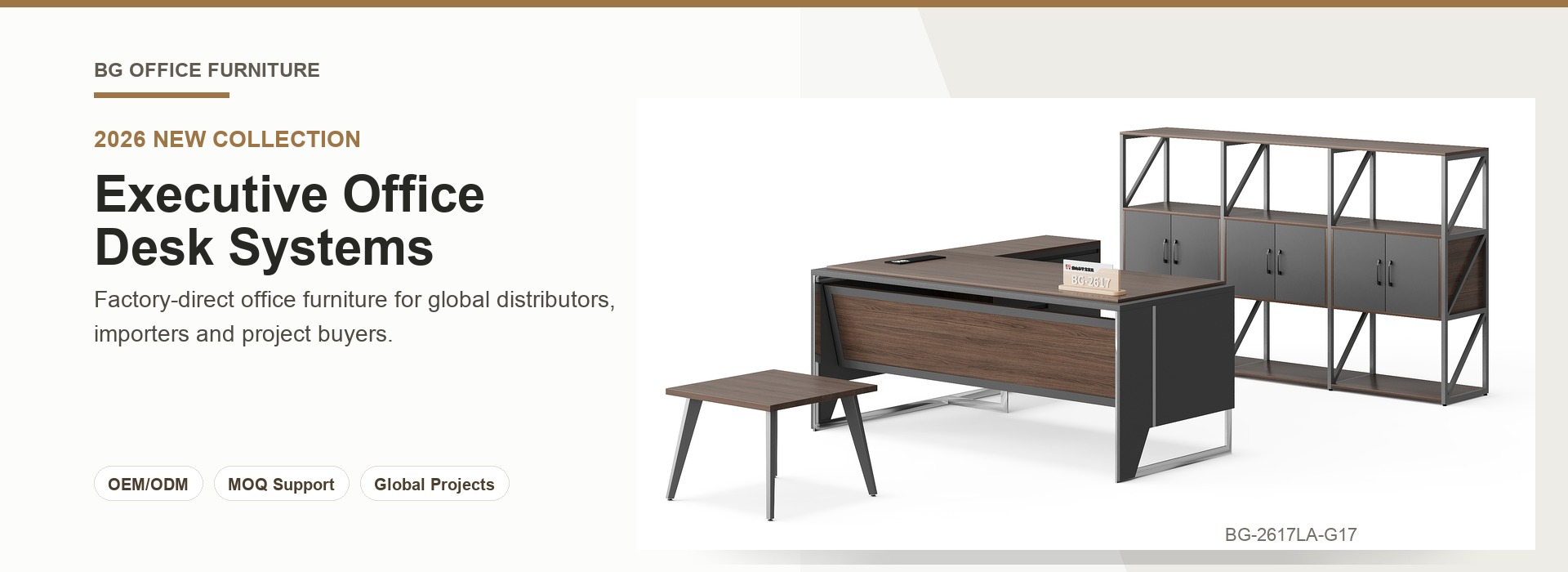
BG-2625LA-G28 executive desk, low table and storage cabinet set shows a dark wood-direction desk with a broad front panel and integrated side unit. The same image includes an open low table and a wide cabinet with glass-front and open sections. Place the desk, support table and storage roles under one family code, then mark which pieces belong to the selected zone.
BG-2613LA-B13-Morandi executive desk, low table and storage cabinet set uses a darker worktop with light inset panels and a ribbed front detail. Its low table and closed cabinet create a different room character. Keep the model as a separate alternative instead of treating the two dark families as one generic executive option.
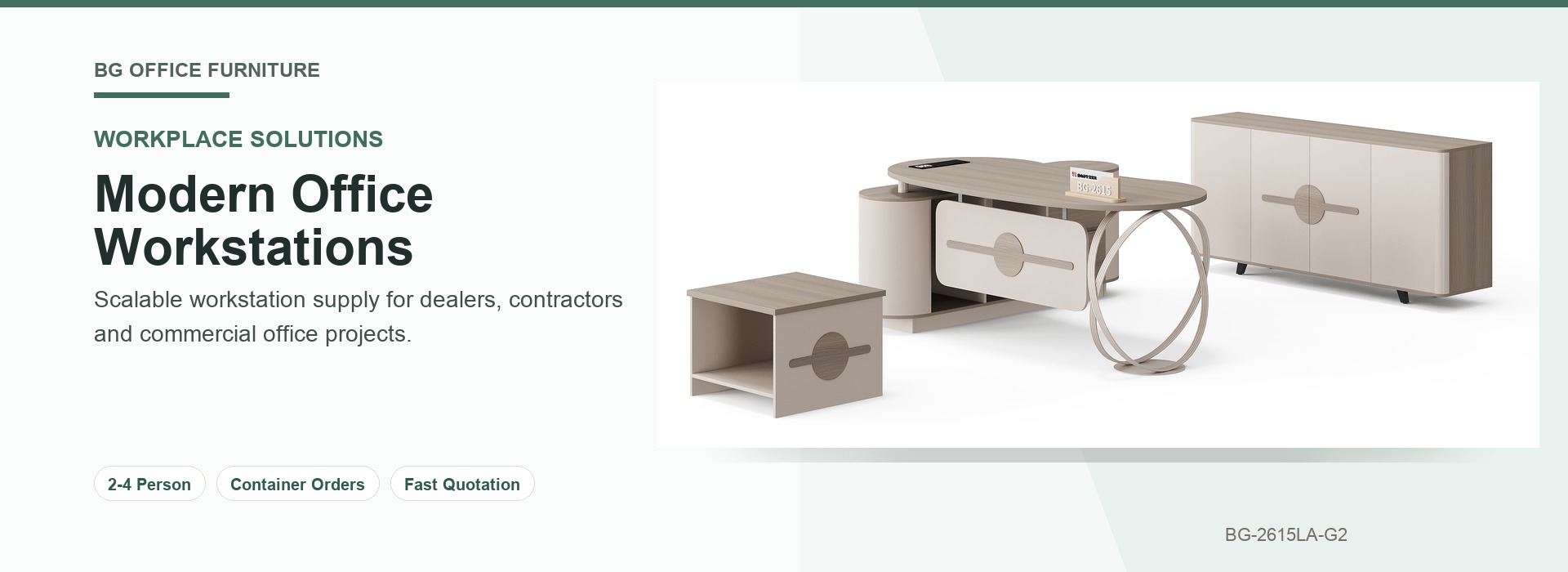
BG-2635LA-B4 executive desk, low table and storage cabinet set provides a lighter wood-direction composition. The real image shows a suspended front panel, integrated side unit, polished cylindrical supports, angled-leg low table and wide storage cabinet. A matrix row for each visible piece helps the buyer confirm whether the complete composition or selected elements are under review.
3. Record Design-Led Executive Desks Without Losing Their Storage Context
BG-2642LA-B4 executive desk with side unit and storage wall pairs a light wood-direction desk with sculptural dark loop supports and curved side storage. The tall wall behind it combines illuminated open shelves, glass-front doors and closed base cabinets. List the desk and wall as linked items under the same executive zone, but preserve separate selection states for each.
BG-2638L-White white executive desk with side storage offers a white work surface, stepped top, integrated storage and an angled open support. It can be reviewed for a brighter executive room or a design-led private office. The matrix should record the exact public URL so the buyer and end client discuss the same visible model.
4. Separate Manager Offices from Executive Rooms
BG-2629A-G21 manager desk, low table and storage cabinet set shows a dark grey manager desk with a light suspended front panel, integrated return and angled metal support. A matching low table, mobile drawer unit and wide cabinet are also visible. Keep these components inside the manager-zone section and state which ones are selected or require clarification.
BG-2628L-G28-1 manager desk with side storage is a focused desk reference with a raised dark wood-direction top, light front panel, integrated side storage and angled end support. It should not inherit the low table or cabinet from another family. That simple separation makes different supplier scopes easier to compare.
5. Define the Open-Plan Workstation Unit
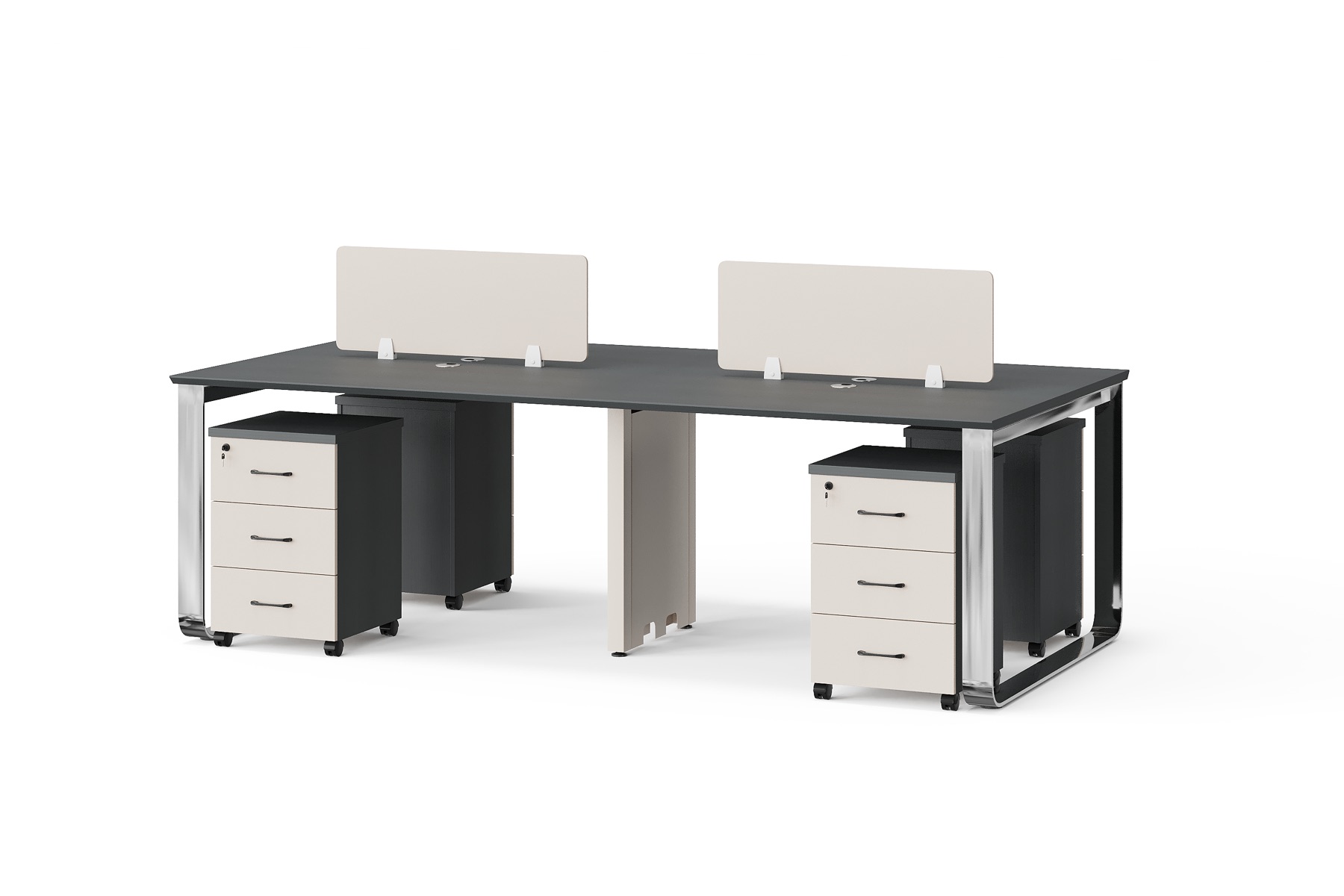
BG-2621W4-G21 four-person office workstation with screens and drawers shows one four-user work surface with two privacy screens, polished loop end frames, central supports, cable points and four mobile drawer units. Record it as a four-person workstation unit rather than four unnamed desks. Repeat the exact model under every open-plan zone where it is proposed and preserve the department or team label.
This unit-based method lets a distributor reconcile the floor plan with a supplier review. Screens, supports, cable points and mobile storage remain visible in the record, while any requirement not confirmed by the image stays in the open-question column for written review.
6. Keep Shared Storage and Support Furniture Visible
BG-2642B-G28-1 office storage wall with open shelves and glass doors shows a wide wall with illuminated open shelves, central glass-front doors, a sliding display panel and closed base cabinets. Assign it to an exact room or shared wall instead of leaving it under a general storage note.
BG-2644T-G28 rectangular office coffee table uses a dark wood-direction top, layered side panels and an open lower shelf. Give the table its own row under a reception, waiting or executive-support zone. A separate row prevents support furniture from disappearing inside a broad accessory allowance.
7. Use Evidence Fields That Every Stakeholder Can Check
- Exact model and public BG product URL.
- Project zone and intended product role.
- Visible components supported by the real image.
- Selected, alternative, clarification required or excluded state.
- Open question with one owner and a review date.
- Written confirmation reference when a term is finalized.
The same matrix can be shared by the South American distributor, local consultant, importer team, fit-out contractor and BG project contact. It makes changes traceable and keeps a new alternative from silently replacing an earlier selection.
8. Send a Review-Ready Inquiry to BG
Send the model-by-zone matrix, exact URLs, destination market, target quantity, room list, BOQ and floor plan through the website inquiry channel. Mark the selected model family, acceptable alternatives and every unresolved question. Add plan excerpts when they help show the intended room or workstation zone.
A review-ready matrix gives South American office furniture distributors a practical bridge from visual selection to coordinated supplier review. It keeps each desk, workstation, coffee table and storage wall connected to the actual project, while BG confirms the selected scope and project terms in writing.
Project Terms Requiring Written Confirmation
| Supplier | BG Office Furniture, Foshan, China |
|---|---|
| Product Scope | Board-style desks, workstations, meeting tables, coffee tables, storage, reception furniture and partitions |
| Buyer Types | Global distributors, importers, wholesalers, fit-out contractors and project buyers |
| MOQ | Contact BG for confirmed project terms based on the selected model, quantity and scope |
| Lead Time | Contact BG for a confirmed production schedule after project review |
| Shipping Port | Contact BG for the confirmed loading port, route and trade terms |
| OEM/ODM | Subject to feasibility review and written confirmation by BG |
No general website statement replaces BG's written confirmation for a selected model and project.